
COGS Calculator
Calculate cost of goods sold from inventory values. Add revenue to see gross profit and gross margin alongside COGS.
Enter Your Data
Enter inventory values to calculate cost of goods sold
Industry Benchmarks: COGS
These show COGS as a percentage of revenue. Lower COGS% means higher gross margin. Distribution typically runs 70-85% COGS, leaving 15-30% gross margin.
| Industry | Low | Average | High |
|---|---|---|---|
| Industrial Distribution | 70% | 78% | 85% |
| Building Materials | 65% | 70% | 75% |
| Food Distribution | 75% | 80% | 85% |
| Manufacturing | 50% | 60% | 70% |
| Wholesale Trade (Average) | 72% | 75% | 78% |
| Electronics Distribution | 75% | 82% | 88% |
How to Use the COGS Calculator
Step-by-Step Instructions
- Enter beginning inventory value for the period
- Enter total purchases made during the period
- Enter ending inventory value
- Optionally enter revenue to calculate gross margin
Formulas Used
Cost of Goods Sold
COGS = Beginning Inventory + Purchases - Ending InventoryThe direct cost of inventory sold during the period.
COGS Percentage
COGS % = (COGS / Revenue) × 100What percentage of revenue goes to direct product costs.
Gross Profit
Gross Profit = Revenue - COGSRevenue remaining after direct product costs.
Gross Margin
Gross Margin = ((Revenue - COGS) / Revenue) × 100Gross profit as a percentage of revenue.
Frequently Asked Questions: COGS Calculator
Related Resources
More Calculators
Explore our other free pricing tools
Pricing Guides
Learn more about pricing optimization

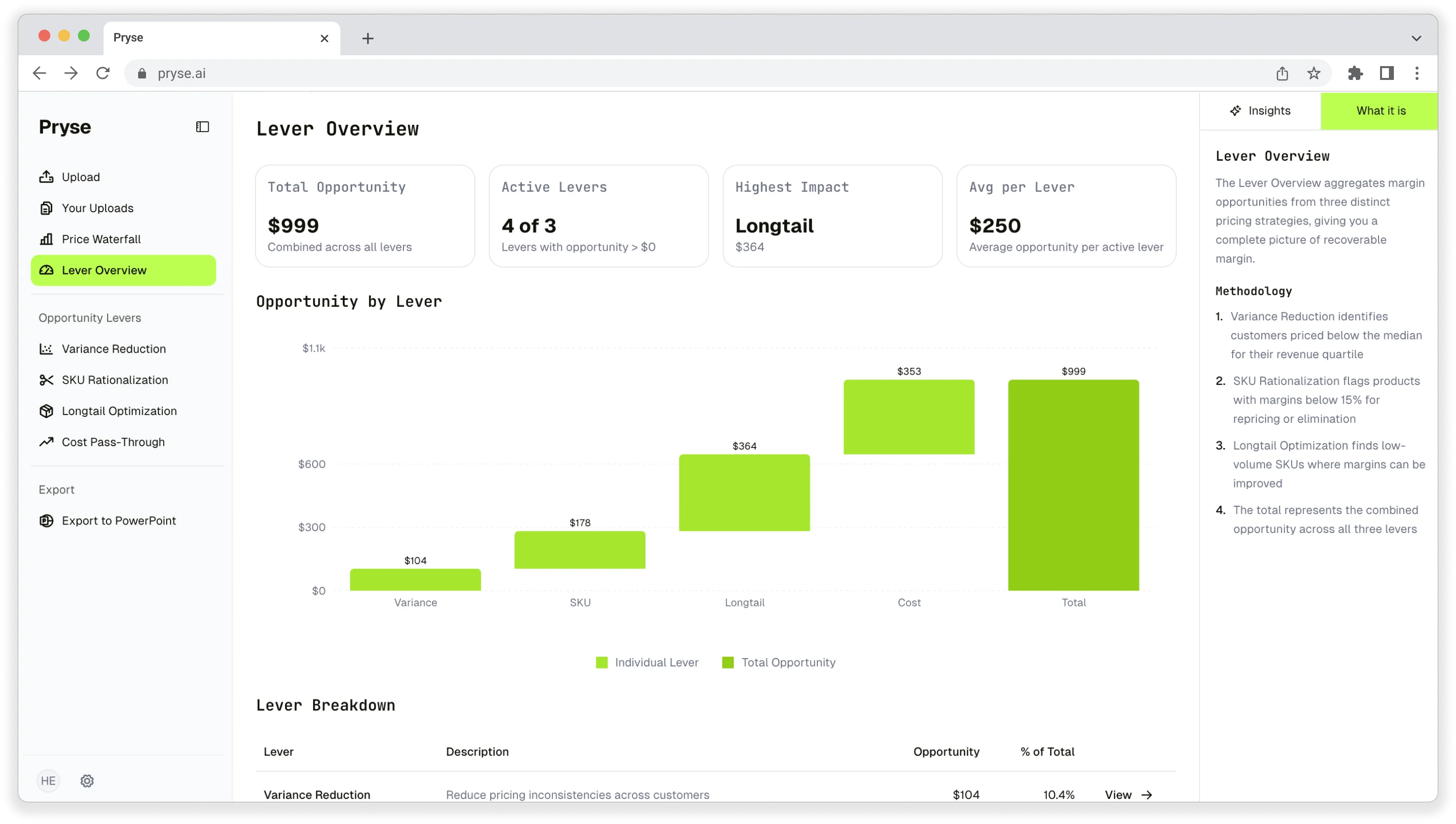
Want to analyze your entire product catalog?
Pryse automatically identifies margin leakage across thousands of SKUs. Upload your data and find hidden profit in 24 hours.
One-time $1,499 diagnostic. No subscription required.