
Markup Calculator
Calculate your markup percentage from cost and selling price. Understand how much you're adding to cost to determine your price.
Enter Your Data
Enter cost and selling price to calculate markup
Industry Benchmarks: Markup
Markup percentages vary widely by industry and product type. Higher markup doesn't always mean higher profit—volume and overhead matter too.
| Industry | Low | Average | High |
|---|---|---|---|
| Grocery Retail | 15% | 22% | 30% |
| Clothing Retail | 50% | 75% | 100% |
| Electronics | 20% | 30% | 40% |
| Industrial Distribution | 20% | 28% | 35% |
| Restaurant/Food Service | 200% | 300% | 400% |
| Jewelry | 100% | 200% | 300% |
How to Use the Markup Calculator
Step-by-Step Instructions
- Enter your product cost (what you paid)
- Enter your selling price (what you charge)
- Click Calculate to see your markup percentage
- Use the result to standardize pricing across products
Formulas Used
Markup Formula
Markup = ((Selling Price - Cost) / Cost) × 100Markup shows what percentage you add to cost to arrive at selling price.
Selling Price from Markup
Selling Price = Cost × (1 + Markup/100)Calculate selling price when you know cost and desired markup percentage.
Frequently Asked Questions: Markup Calculator
Related Resources
More Calculators
Explore our other free pricing tools
Pricing Guides
Learn more about pricing optimization

Want to analyze your entire product catalog?
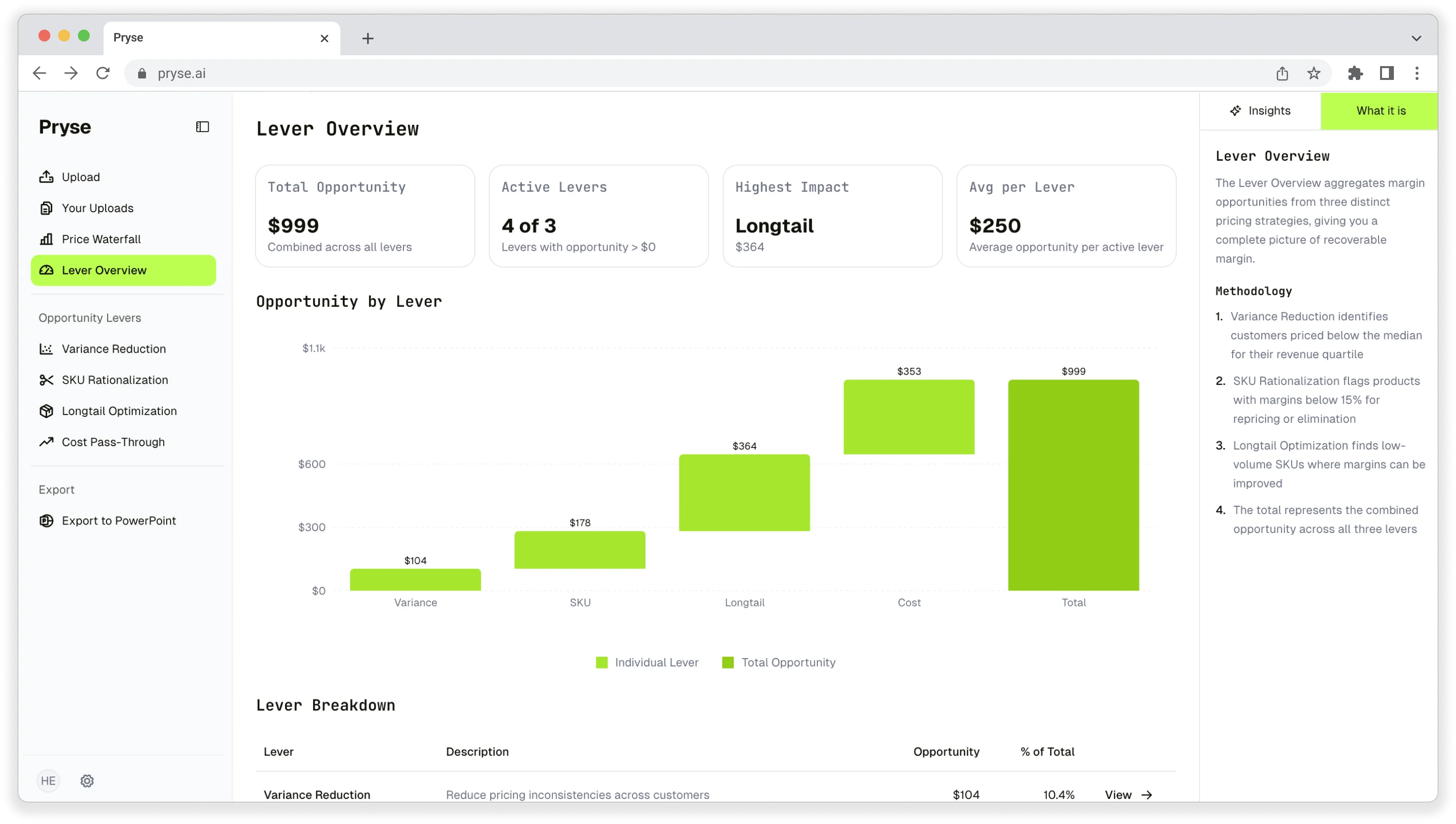
Pryse automatically identifies margin leakage across thousands of SKUs. Upload your data and find hidden profit in 24 hours.
One-time $1,499 diagnostic. No subscription required.