
Price Increase Calculator

Calculate the revenue impact of price increases. Model how volume changes affect your bottom line before making pricing decisions.

Enter Your Data
$

Current selling price per unit

$

Proposed new selling price

How many units you currently sell per month

%

Expected % change in units sold (negative = volume loss)

Enter pricing data to calculate revenue impact

Industry Benchmarks: Price Increase
These show typical annual price increase ranges by industry. Increases above 10% carry high customer attrition risk. Frequent small increases are better received than infrequent large ones.
IndustryLowAverageHigh
Wholesale Distribution3%4%5%
Industrial Manufacturing2%3%4%
Building Materials3%4%6%
Food Distribution2%3%4%
Specialty Chemicals4%6%8%
Electrical Distribution3%4%5%

How to Use the Price Increase Calculator

Step-by-Step Instructions
  1. Enter your current selling price per unit
  2. Enter the proposed new price
  3. Enter your current monthly sales volume
  4. Optionally estimate expected volume change (negative for expected loss)
Formulas Used

Price Increase Percentage

Price Increase % = ((New Price - Current Price) / Current Price) × 100

The percentage change from current to new price.

Revenue Impact

Revenue Impact = (New Price × Adjusted Volume) - (Current Price × Current Volume)

Net change in revenue accounting for both price change and volume change.

Breakeven Volume Loss

Max Volume Loss % = Price Increase % / (1 + Price Increase %)

Maximum volume you can lose and still increase revenue. A 10% price increase allows up to 9.09% volume loss.

Frequently Asked Questions: Price Increase Calculator

Related Resources
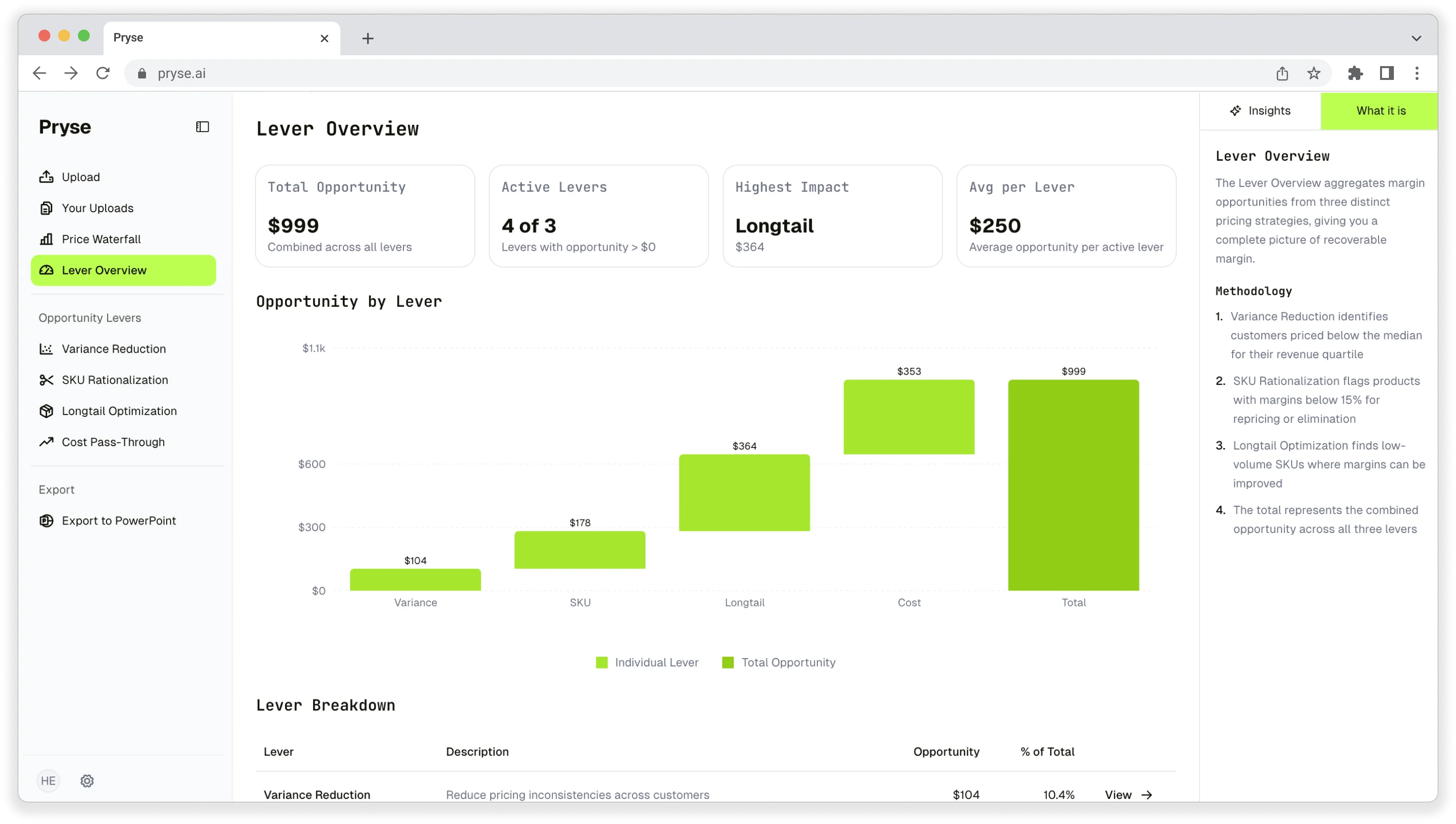
Pryse pricing analysis dashboard

Want to analyze your entire product catalog?

Pryse automatically identifies margin leakage across thousands of SKUs. Upload your data and find hidden profit in 24 hours.

One-time $1,499 diagnostic. No subscription required.